Single Exposure vs HDR vs Flambient: Which Real Estate Editing Workflow Fits Your Shoot?
The workflow you choose decides how long you spend on site, what you send to your editor and how the finished rooms look. Here is how the three main options compare in practice.
UVUV AXIS editorial team8 min read
Ambient frameFlambient edit
A flambient edit: the ambient frame (left) blended with flash frames (right). Drag to compare.
Every real estate shoot starts with the same decision: how will the light in these rooms be handled? You can capture one well-exposed frame per angle, shoot a bracket of exposures and blend them, or combine flash and ambient frames. Each route asks something different of the photographer on site, and each produces a different kind of finished image.
Key takeaways
Single Exposure uses one frame per shot. It is the fastest to shoot and the lowest cost to edit, and it works best in evenly lit rooms.
Blended Brackets (HDR) combines three or more exposures with window pulls. It handles bright windows and dark corners in the same room.
Flambient blends flash and ambient frames. It gives the most accurate color and the most control over light, and it takes the most time on site.
The three workflows at a glance
Single Exposure
Blended Brackets (HDR)
Flambient
What you send
1 image per shot
3+ bracketed exposures per shot
Flash + ambient exposures per shot
Flash needed
No
No
Yes
Best for
Evenly lit rooms
High-contrast interiors
Premium interiors where color matters
UV AXIS price
$0.45 / image
$0.75 / image
$1.25 / image
The full list of edits included with each workflow, from lens correction to window replacement, is in our editing workflow comparison.
Single Exposure: one frame, finished properly
With single exposure editing, you capture one frame per angle and the editor does the rest: white balance, contrast, color correction, vertical and horizontal straightening, lens distortion removal and, where needed, a sky replacement. It is also the right choice when your camera has already merged brackets into one file in-camera.
When it works well
Rooms with soft, even daylight and no bright windows in the frame.
Exterior shots on a good-weather day.
Rentals and high-volume listings where speed and cost matter more than a polished, high-end finish.
Where it struggles
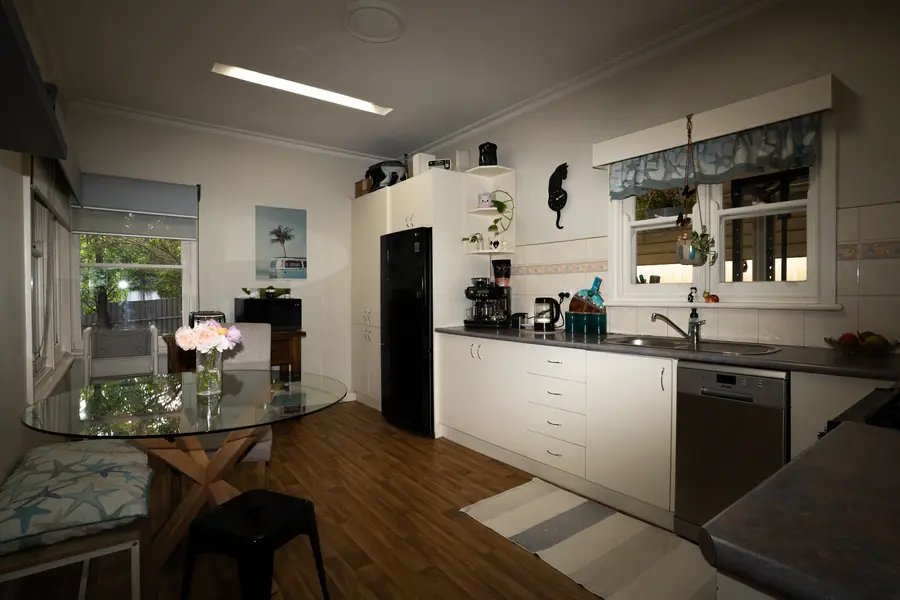
A single frame can only hold so much range between light and dark. Point the camera at a room with a sunny window and you have to choose: expose for the room and the window blows out to white, or expose for the view and the room goes dark. Editing can recover some of this, but not all of it. Window replacement is not possible with a single exposure, because there is no correctly exposed view to work with.
Shooting tips
Expose for the room, not the window, and keep highlights from clipping where you can.
Shoot RAW if your camera allows it. It gives the editor more room to correct color and shadows.
Keep the camera level to reduce the straightening needed.
Blended Brackets (HDR): detail in the shadows and the view
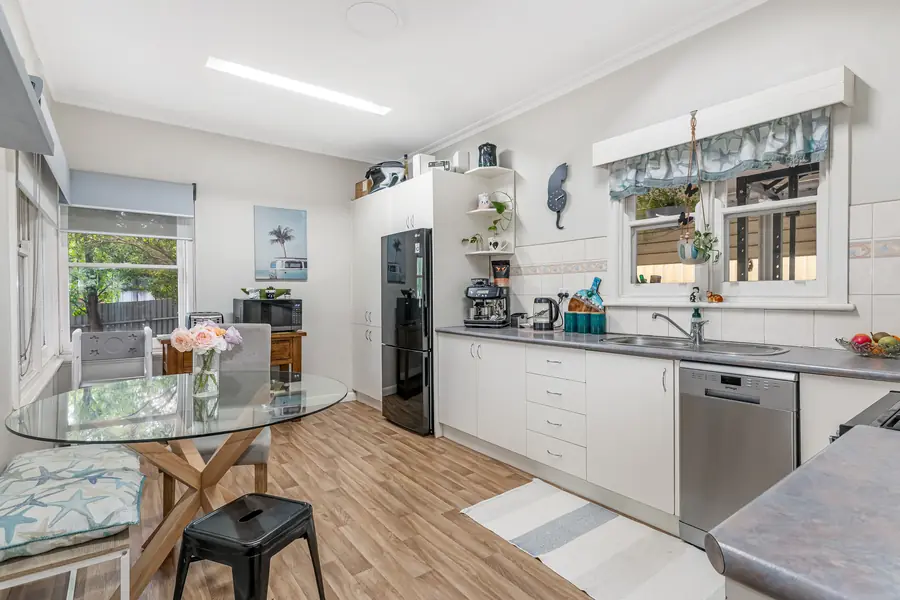
Bracketing means taking several frames of the same angle at different exposures, from dark to bright. The editor hand-blends them so the room, the shadows and the view outside the window are all visible in one image. We use window pulls to bring back the exterior view where the window is overexposed.
The word "HDR" makes some agents think of the grey, over-processed look from early automatic software. Hand blending is different: the editor decides how much of each exposure to use in each part of the frame, so the result looks bright and natural.
When it works well
Living rooms and kitchens with large windows.
Rooms with a mix of bright and dark areas, such as a hallway leading into a sunlit room.
Day-to-day listings where you want a consistently professional look without carrying flash gear.
Shooting tips
Use a tripod. Every frame in a bracket must line up for a clean blend.
Shoot at least three exposures per angle. In very bright rooms, add more frames at the dark end so the window view is captured.
Turn on lights consistently in every room, or turn them all off, so color stays even across the listing.
Send every frame of every bracket, even the ones that look unusable. The darkest frame is often the one that holds the window view.
Not sure which workflow your photos need?
Send us 3 photos from a recent shoot. We'll edit them free and suggest the workflow that suits your style.
Flambient combines two kinds of frame. The ambient frame records the room in its existing light, with its mood and warmth. Flash frames light the room evenly and show surfaces in their true color. The editor blends the two, taking clean color and crisp detail from the flash and atmosphere from the ambient frame.
Because the flash overpowers mixed lighting, flambient is the most reliable way to remove color casts, such as the orange glow from warm bulbs or the green tint reflected from a lawn through a window. It also gives the editor the most control: light can be shaped to lead the eye through a room, which is why flambient is favored by many high-end real estate and architectural photographers.
What it asks of you on site
An external flash, and time to take flash frames for each angle.
A tripod, so the flash and ambient frames line up.
An ambient frame for every angle, plus a frame exposed for the windows if you want the view brought back.
What is included
At UV AXIS, flambient editing includes several finishing touches that are extra with the other two workflows: lawn enhancement, pool cleaning, TV screen replacement and adding fire to fireplaces.
How to choose for your next listing
Choose Single Exposure for evenly lit rooms, rentals, or when you are photographing many properties a day and turnaround cost is the priority.
Choose Blended Brackets (HDR) when windows are bright, rooms are mixed light, and you want detail everywhere without flash equipment.
Choose Flambient for premium listings, interiors with strong color casts, and photographers who want full control over the final look.
It is usually best to stick to one workflow per shoot so every room in the listing has the same look. If you send us your preferences once, we save them as your house style so every editor matches your brightness, white balance and crop on future orders.
Add-ons that work with any workflow
Whichever workflow you choose, a few edits can lift the exterior shots:
Yes. Blended Brackets is hand-blended HDR: several bracketed exposures combined into one image. The difference from automatic HDR software is that an editor controls the blend, so the result looks natural rather than flat or grey.
How many exposures should I send for HDR editing?
Send at least three bracketed exposures for each angle. In rooms with very bright windows, extra darker frames help the editor bring back the view outside.
Which workflow is the cheapest to edit?
Single Exposure is the lowest cost at $0.45 per image. Blended Brackets (HDR) is $0.75 and Flambient is $1.25 per image. Final price depends on volume and additional requirements.
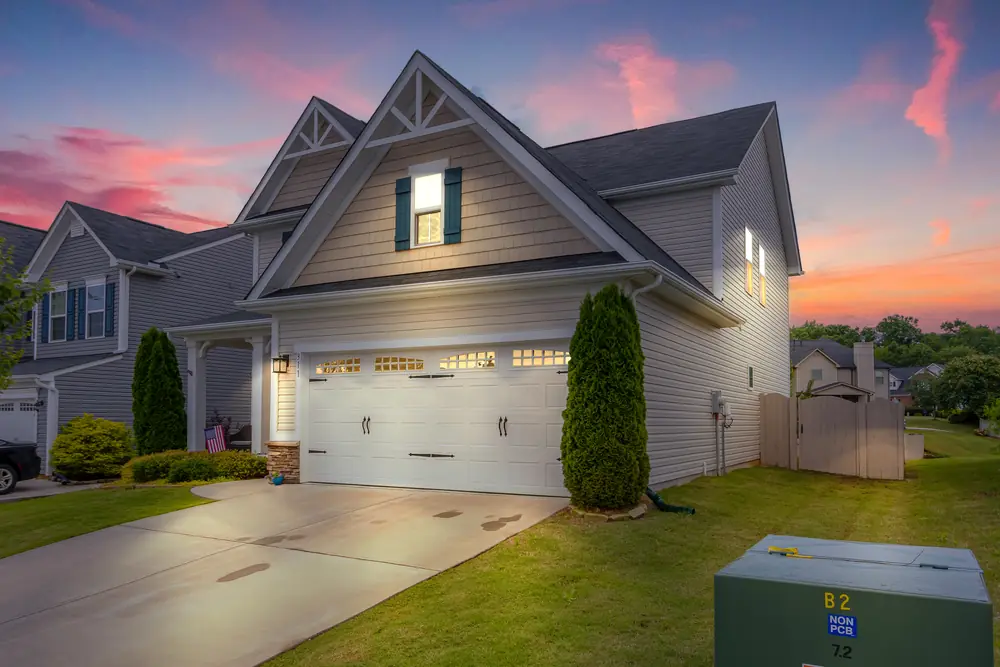
A twilight exterior is often the photo buyers see first. You can capture it at dusk or create it from a daytime photo. Here is how to decide, and how to shoot for each.
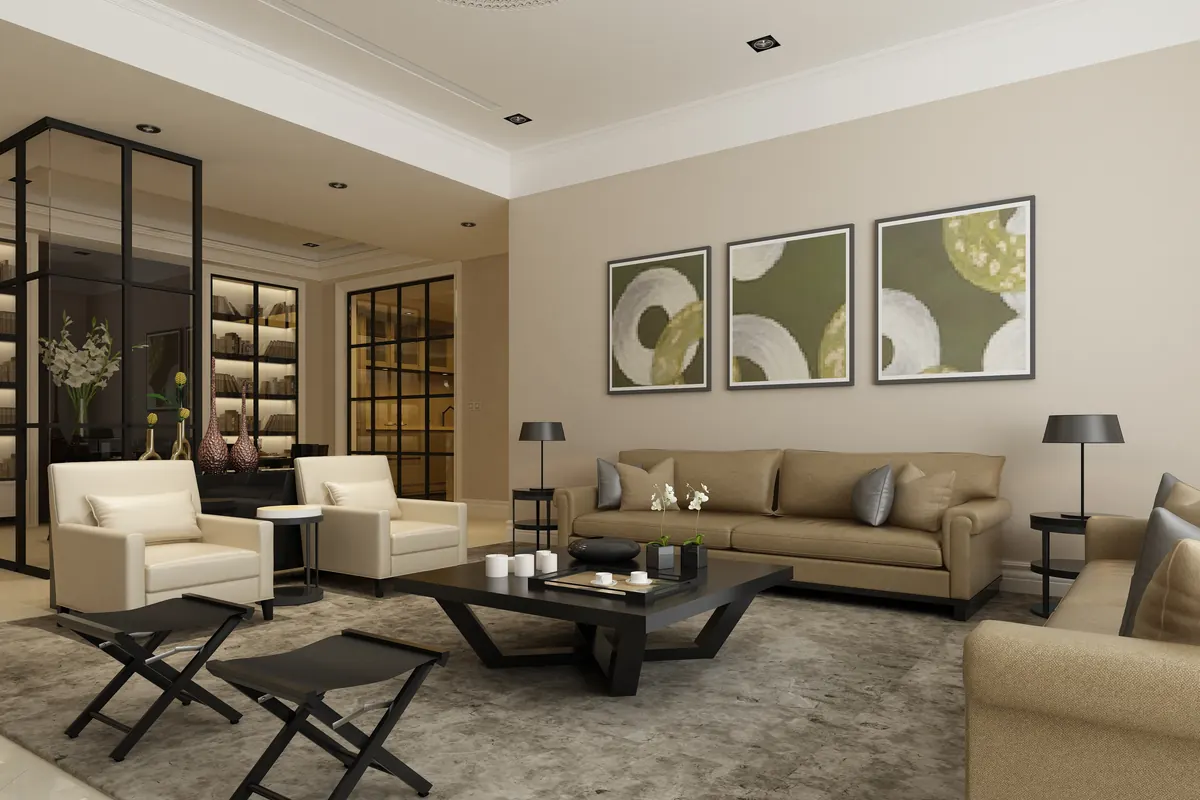
Occupied homes have too much in them. Vacant homes have too little. Here is how to pick the edit that fixes each room, and how to shoot so the result looks natural.
Your next listing could be online tomorrow.
Upload today and download listing-ready images within 24 hours. Your first 3 are free.