Object Removal, Clear Room or Virtual Staging? How to Choose the Right Edit for Each Room
Occupied homes have too much in them. Vacant homes have too little. Here is how to pick the edit that fixes each room, and how to shoot so the result looks natural.
UVUV AXIS editorial team7 min read
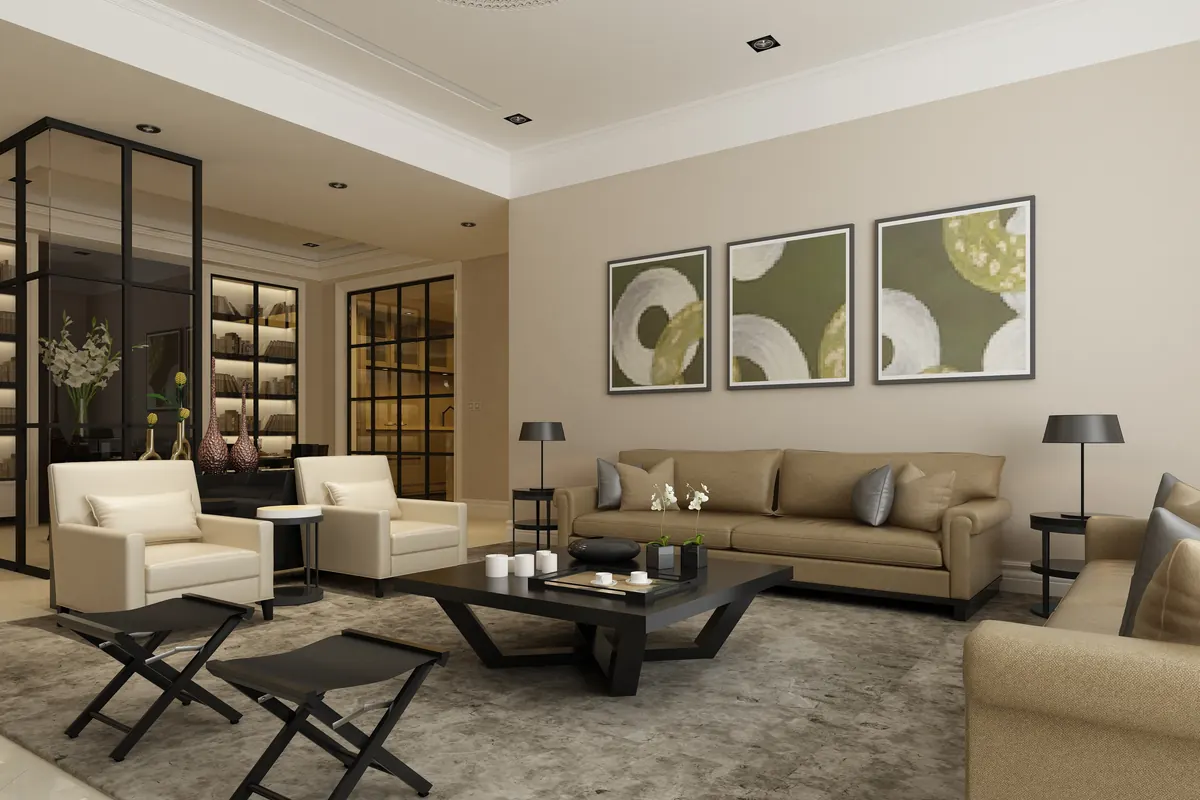
A virtually staged living room: furniture, lighting and decor added digitally.
Listing photos have one job: help buyers picture the home as theirs. That is hard when a room is full of the current owner's belongings, and just as hard when it is completely empty. Digital decluttering and virtual staging solve these two problems from opposite directions. Choosing the right one for each room keeps costs down and the listing looking honest.
Key takeaways
Object Removal (1–4 items) erases a few small distractions from an otherwise good photo.
Object Removal Clear Room removes all the furniture and clutter, leaving an empty room.
Virtual Staging furnishes an empty room digitally, in a style you choose.
Object Removal (1–4 items): for small distractions
Most photos only need a light touch. A bin in the driveway, a hose across the lawn, a toothbrush by the sink, a phone charger on the kitchen counter: small things that pull the eye away from the room. Object removal erases up to four of them and fills the space behind so nothing looks patched.
Good candidates
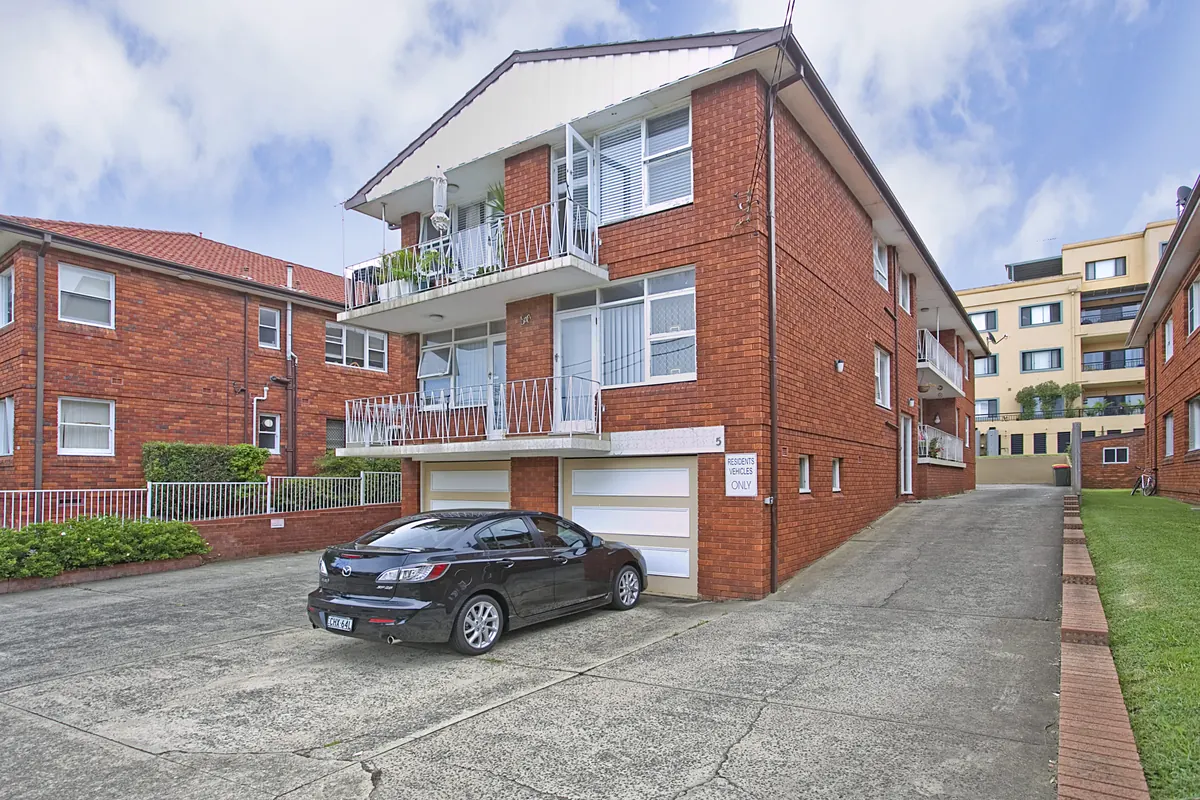
Cars, bins and garden tools in exterior shots.
Toiletries, cables, towels and remote controls inside.
Personal items such as family photos that the seller would rather not show online.
At UV AXIS, Object Removal (1–4 items) is $5.00 per image.
A typical object removal job: a parked car that draws attention away from the building.
Object Removal Clear Room: for rooms that need a fresh start
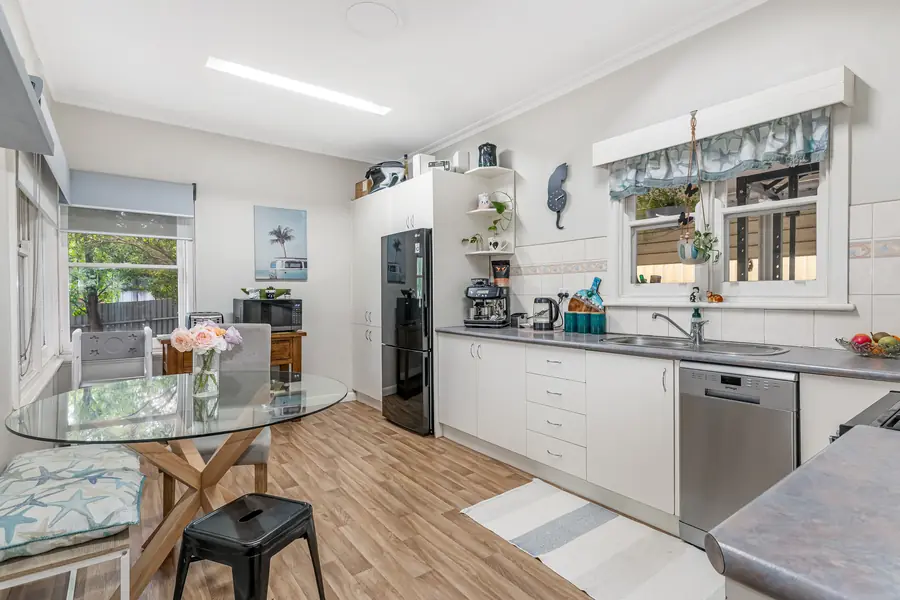
Some rooms are too full to fix item by item. Heavy furniture, piles of belongings or a dated look can make it hard for buyers to see the size and shape of the space. Clear room removes everything movable, leaving the walls, floor, windows and fixed features.
When it makes sense
Occupied homes where the owner cannot move out or declutter before the shoot.
Rentals between tenants, where the previous tenant's belongings are still in the photos.
As the first step before virtual staging an occupied room, so new furniture replaces the old.
Object Removal Clear Room is $10.00 per image.
Have a cluttered room you'd like to see cleared?
Include it in your free trial. We'll edit up to 3 photos at no cost.
An empty room shows the floor and walls, but it gives buyers little sense of scale or purpose. Is the second bedroom big enough for a double bed? Where would the dining table go? Virtual staging answers these questions by adding furniture, rugs, lighting and decor digitally, matched to the style you choose.
Virtual staging is $15.00 per image, and we supply the original empty-room photo alongside the staged version.
Writing a good staging brief
Room type: tell us what each room should be, especially flexible spaces such as a study or second living area.
Style: modern, classic, coastal or Scandinavian, for example. Pick a style that suits the property and the buyers it will attract.
Consistency: ask for the same style across all rooms in the listing so the home feels coherent.
A quick guide, room by room
The room looks like this
Order this
Mostly tidy, with a few things in the way
Object Removal (1–4 items)
Full of belongings or dated furniture
Object Removal Clear Room
Empty
Virtual Staging
Full, and you want to show it furnished differently
Object Removal Clear Room, then Virtual Staging
How to shoot rooms for decluttering and staging
The better the starting photo, the more natural the edit. A few habits make a real difference:
Keep the camera level and at a consistent height in every room, so furniture can be placed at the right scale.
Show the corners and as much floor as possible. Editors need to see where walls meet the floor to place furniture convincingly.
Use an editing workflow that handles the light well. A room that is too dark or has blown-out windows is harder to stage. Our guide to single exposure, HDR and flambient editing explains the options.
Remove what you easily can before shooting. Fewer items to erase means a cleaner result.
Keep the listing honest
Decluttering and staging change what is in a room, not the room itself. Edits should not hide damage, cover permanent features or change the size of a space. Many property portals and MLSs require virtually staged photos to be labelled, so check the rules that apply to you. Including the original empty-room photo alongside the staged one is an easy way to be transparent with buyers.
Frequently asked questions
What is the difference between object removal and clear room?
Object Removal (1–4 items) erases a few small distractions and leaves the rest of the room as it is. Object Removal Clear Room removes all the furniture and clutter, leaving an empty room.
Can you stage a room that is currently furnished?
Yes. Order Object Removal Clear Room to empty the room first, then Virtual Staging to furnish it in the style you choose.
Do I need to label virtually staged photos?
Many portals and MLSs require it, so check the rules where you list. We supply the original empty-room photo with every staged image, so you can show both.
The workflow you choose decides how long you spend on site, what you send to your editor and how the finished rooms look. Here is how the three main options compare in practice.
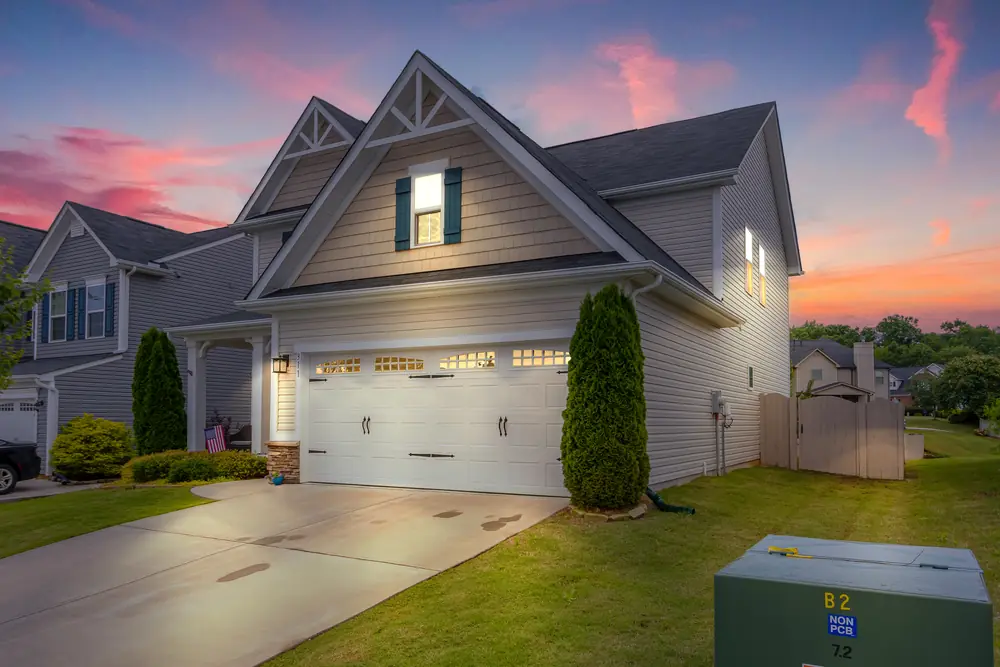
A twilight exterior is often the photo buyers see first. You can capture it at dusk or create it from a daytime photo. Here is how to decide, and how to shoot for each.
Your next listing could be online tomorrow.
Upload today and download listing-ready images within 24 hours. Your first 3 are free.